
Cloud gaming on Xbox has completely changed the way millions of people play video games — and in 2026, it’s better than ever.
Gone are the days when you needed an expensive console or a high-end PC to enjoy AAA titles. With Xbox cloud gaming, all you need is a stable internet connection and a supported device. Whether you’re on a phone, tablet, smart TV, or even a browser, the games come to you.
Microsoft has quietly been building one of the most powerful game streaming platforms in the world. And now, with years of refinement under its belt, cloud gaming on Xbox is finally at a level where it genuinely competes with — and in some ways surpasses — traditional local gaming.
In this guide, we’ll break down everything you need to know: how it works, how to set it up, what performance looks like in 2026, and whether it’s worth it for you.
What Is Cloud Gaming on Xbox?
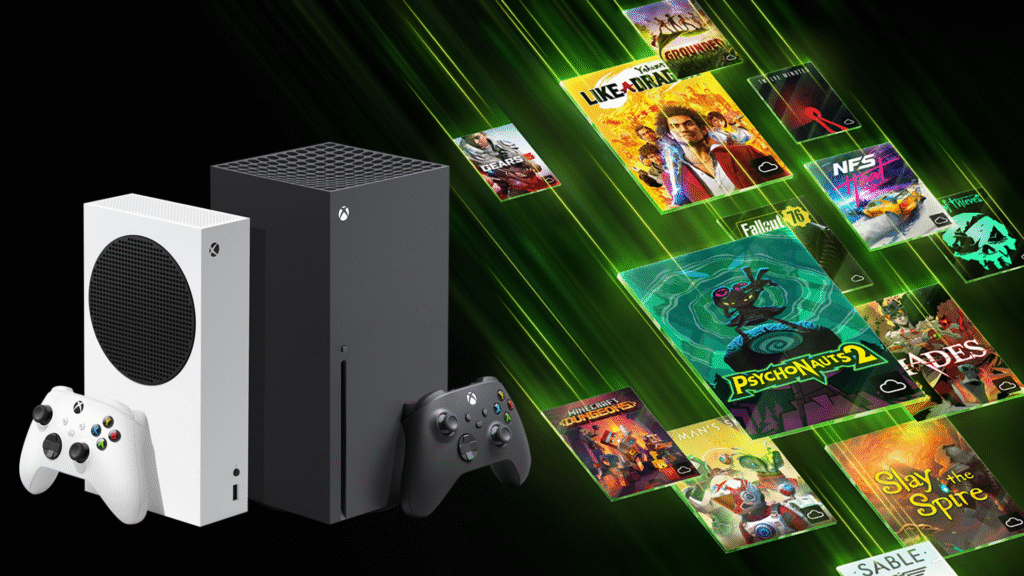
At its core, cloud gaming on Xbox lets you stream video games directly from Microsoft’s servers to your device. Instead of the game running locally on your hardware, it runs on powerful remote machines in Microsoft’s Azure data centers — and the video feed is streamed to your screen in real time.
Think of it like Netflix, but for games. You press a button, the game loads on a server somewhere, and you play it live through your internet connection. Your inputs (controller movements, button presses) are sent to the server, which responds instantly.
Xbox Cloud Gaming vs. Traditional Gaming
Here’s a quick comparison to help you understand what makes cloud gaming on Xbox different:
- Traditional gaming: Game is installed on your device and runs locally.
- Xbox cloud gaming: Game runs on Microsoft’s servers and streams to you.
- No downloads needed with cloud gaming — you can jump into a 100GB game in seconds.
- Hardware limits don’t apply — the server does the heavy lifting, not your device.
- Cloud gaming requires a strong internet connection; local gaming doesn’t.
Which Devices Support Xbox Cloud Gaming?
One of the biggest strengths of cloud gaming on Xbox is its device compatibility. You can access it on:
- Android phones and tablets (via the Xbox Game Pass app)
- iOS devices — iPhone and iPad (through the browser or the app)
- Windows PCs and laptops
- Xbox consoles (Series X|S and older Xbox One)
- Samsung Smart TVs (with the Xbox app built in)
- Amazon Fire TV devices
- Meta Quest VR headsets
You can even play cloud gaming on Xbox through a web browser on almost any device — which is a huge deal for accessibility.
How to Set Up Cloud Gaming on Xbox: Step-by-Step
Getting started with cloud gaming on Xbox is surprisingly simple. Here’s exactly what you need to do:
Step 1: Get Xbox Game Pass Ultimate
Cloud gaming on Xbox is included with Xbox Game Pass Ultimate. This is Microsoft’s premium subscription tier, which also gives you access to hundreds of downloadable games, Xbox Live Gold for online multiplayer, and EA Play.
As of 2026, Game Pass Ultimate is available on a monthly subscription. You can sign up directly from Xbox.com or through the Xbox app on any platform.
Step 2: Download the Xbox App
On mobile devices and PCs, download the official Xbox app from the App Store, Google Play, or the Microsoft Store. On Smart TVs, look for the Xbox app in your TV’s app marketplace.
If you’re playing through a browser, simply head to xbox.com/play and log in with your Microsoft account.
Step 3: Connect a Controller
While touch controls are available for some games, you’ll get a much better experience with a physical controller. The Xbox Wireless Controller connects seamlessly via Bluetooth to most devices.
For mobile gaming, you can also use controller clips that attach your phone directly to the controller — making cloud gaming on Xbox feel just like playing on a console.
Step 4: Check Your Internet Connection
This is the most critical part. Microsoft recommends at least 20 Mbps for a smooth experience at 1080p. For higher quality streaming or to reduce latency, 40–50 Mbps or more is ideal.
A wired Ethernet connection always beats Wi-Fi for cloud gaming. If you’re on Wi-Fi, make sure you’re close to your router and not sharing bandwidth with too many devices.
Step 5: Start Playing
Once you’re set up, browse the Game Pass library, tap any game with the cloud icon, and it will launch within seconds. No installation, no updates, no waiting. That’s cloud gaming on Xbox doing its thing.
Cloud Gaming on Xbox in 2026: Key Features
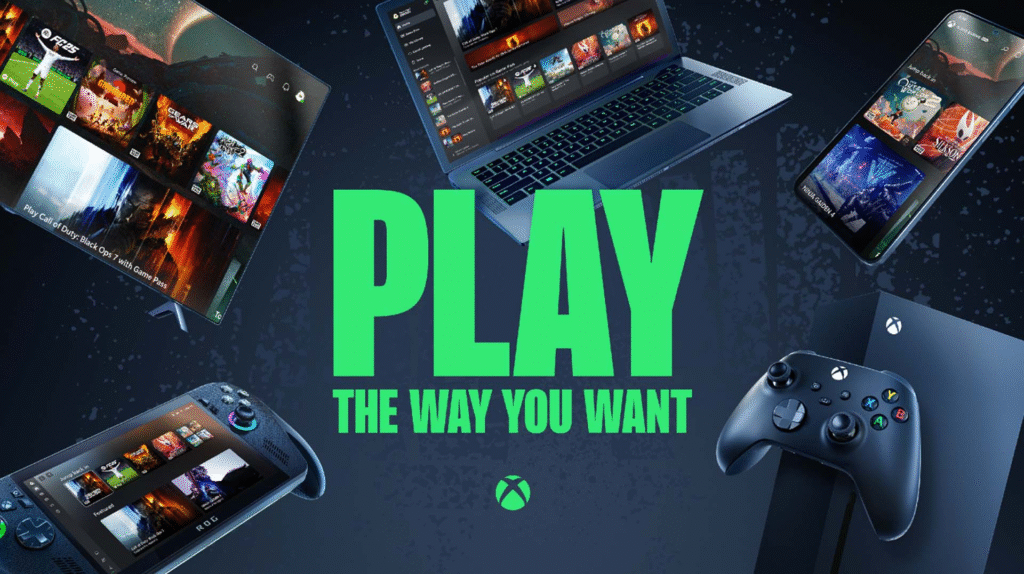
Microsoft has rolled out some genuinely impressive upgrades to cloud gaming on Xbox over the past couple of years. Here’s what’s new and notable in 2026:
1. 1080p at 60fps — The New Standard
For a long time, one of the biggest criticisms of cloud gaming on Xbox was its resolution and frame rate. In 2026, that’s largely been resolved. Most games now stream at 1080p and 60 frames per second, giving you a smooth, visually crisp experience.
Microsoft has even begun rolling out 4K streaming support for select titles in certain regions — a major leap forward for cloud gaming on Xbox as a premium gaming experience.
2. Reduced Input Latency
Latency is the enemy of cloud gaming. But thanks to improvements in Microsoft’s Azure infrastructure and edge server expansion, cloud gaming on Xbox now delivers latency figures that are genuinely comparable to local gaming for most genres.
Casual games, RPGs, platformers, and open-world titles all feel responsive. Even fast-paced shooters are playable, especially if you’re close to a Microsoft data center.
3. Touch Controls for Mobile
Not every game needs a controller. Microsoft has worked with developers to add custom touch control overlays for hundreds of games. This means you can pick up and play cloud gaming on Xbox on your phone without needing any accessories.
Games like Minecraft, Fortnite, and Hi-Fi Rush all have solid touch control layouts optimized for mobile screens.
4. Fortnite Is Free for Everyone
You don’t even need a Game Pass subscription to play Fortnite through cloud gaming on Xbox. Microsoft made this completely free — no account subscription needed — making it one of the most accessible gaming options on any platform.
It’s a smart move that has introduced cloud gaming on Xbox to an enormous new audience of casual and younger players.
5. Better Game Library
The Game Pass library that feeds cloud gaming on Xbox has grown massively. In 2026, it includes titles from Bethesda, Activision Blizzard (following Microsoft’s acquisition), and hundreds of indie games.
You get day-one access to all first-party Microsoft releases directly through cloud gaming on Xbox — which is a massive value proposition.
Cloud Gaming on Xbox: Performance Deep Dive
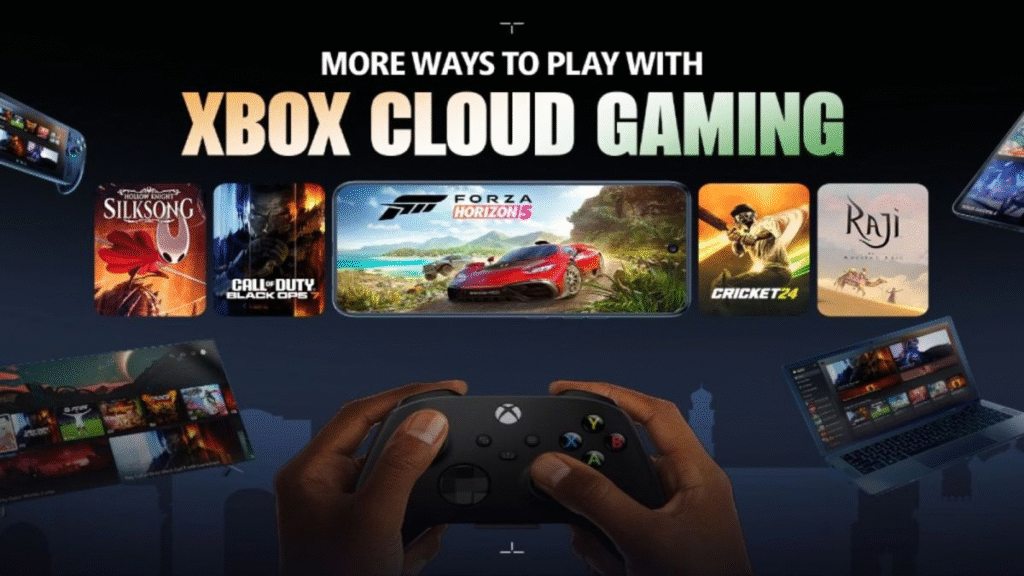
Let’s get into the numbers. How does cloud gaming on Xbox actually perform in real-world conditions?
Internet Speed Requirements
Here’s a breakdown of what to expect based on your connection speed:
- 10 Mbps: Basic streaming at 720p — usable, but not ideal.
- 20 Mbps: Solid 1080p experience with low compression artifacts.
- 40+ Mbps: Smooth 1080p at 60fps with minimal latency.
- 100+ Mbps: Best possible experience; future-ready for 4K support.
Latency: The Real Bottleneck
Latency in cloud gaming on Xbox depends largely on how far you are from Microsoft’s nearest Azure data center. If you’re in a major metropolitan area in the US, Europe, or Asia, you’re likely getting 20–40ms ping, which is very playable.
Rural users or those in less-served regions may experience 60–100ms+ latency, which can make fast-twitch games frustrating. For those users, turn-based games, RPGs, and slower-paced titles are the sweet spot for cloud gaming on Xbox.
Visual Quality vs. Local Gaming
Let’s be real — cloud gaming on Xbox still doesn’t look quite as sharp as running a game locally on a Series X or a high-end PC. Compression artifacts can appear during fast motion, and the image can look slightly softer in dark scenes.
That said, for the vast majority of players in 2026, the quality is more than acceptable. If you’re playing on a phone or a 1080p TV, cloud gaming on Xbox looks great. It’s only on large 4K screens that the gap becomes more noticeable.
Real-Life Example: Playing Halo Infinite via Cloud
Here’s a concrete example. A player in Chicago with a 50 Mbps connection plays Halo Infinite’s campaign through cloud gaming on Xbox on their iPhone 15. The experience? Smooth, responsive, and visually clean. The touch controls work well enough for casual play, but the player clips a Bluetooth Xbox controller to the phone for competitive sections.
Total setup time? About 3 minutes. That’s the beauty of cloud gaming on Xbox — it removes virtually every barrier to entry.
Top Games to Play with Cloud Gaming on Xbox
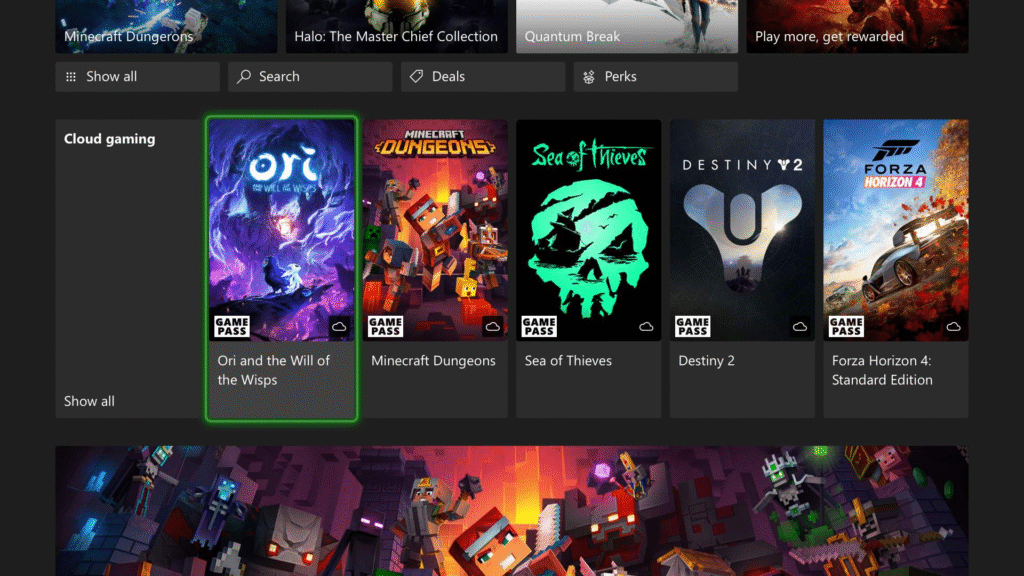
With hundreds of titles available, here are some of the best experiences you can have through cloud gaming on Xbox right now:
Best for Beginners
- Minecraft — Perfect for casual touch play on mobile.
- Fortnite — Free to play, no subscription needed.
- Stardew Valley — Relaxed pace, great on any device.
- A Short Hike — Charming and ideal for short sessions.
Best for Game Pass Subscribers
- Starfield — Massive open-world RPG, incredible via cloud.
- Diablo IV — Action RPG that plays beautifully on cloud.
- Halo Infinite — Campaign and multiplayer both available.
- Forza Horizon 5 — Stunning racing game, surprisingly great on cloud.
- Pentiment — Narrative adventure that’s perfectly suited to cloud.
Best for Mobile Gaming
- Hi-Fi Rush — Rhythm action game with great touch controls.
- Grounded — Co-op survival game you can play anywhere.
- Sea of Thieves — Pirate adventure ideal for quick sessions.
Is Cloud Gaming on Xbox Worth It in 2026?
Here’s the honest answer: yes, for the right type of player.
Cloud gaming on Xbox makes total sense if you:
- Don’t own an Xbox console or a gaming PC.
- Want to play games on the go via your phone or tablet.
- Travel frequently and want gaming options without hauling hardware.
- Want to try hundreds of games without downloading or buying each one.
- Have a household where multiple people share one TV but still want to game.
It may not be the right choice if you:
- Have a slow or unreliable internet connection.
- Need the absolute best visual fidelity for competitive gaming.
- Live far from a Microsoft Azure data center (high latency area).
- Prefer owning your games outright rather than subscribing.
Value for Money
Xbox Game Pass Ultimate, which includes cloud gaming on Xbox, remains one of the best value propositions in all of gaming. Day-one access to Microsoft’s first-party titles alone justifies the cost for many players.
When you factor in EA Play, online multiplayer, and access to 400+ games, cloud gaming on Xbox becomes part of an incredibly compelling package.
Cloud Gaming on Xbox vs. Competitors
Xbox isn’t the only cloud gaming option on the market. Let’s see how cloud gaming on Xbox stacks up:
Xbox Cloud Gaming vs. NVIDIA GeForce NOW
GeForce NOW lets you stream your existing PC game library and offers exceptional visual quality, especially for RTX-tier graphics. However, cloud gaming on Xbox wins in terms of content inclusion — you don’t need to already own the games.
Xbox Cloud Gaming vs. PlayStation Remote Play
PlayStation Remote Play requires you to own a PS5 and stream from it at home. Cloud gaming on Xbox uses actual remote servers, so you’re not limited to your home network. Big advantage for Xbox.
Xbox Cloud Gaming vs. Amazon Luna
Amazon Luna has improved significantly but still lacks the sheer breadth of the Game Pass library. Cloud gaming on Xbox simply has more games, more first-party content, and better device support in most regions.
Tips to Get the Best Cloud Gaming on Xbox Experience
Want to squeeze every bit of performance out of cloud gaming on Xbox? Here are some practical tips:
- Use a wired connection whenever possible. Ethernet dramatically reduces latency and packet loss compared to Wi-Fi.
- Close background apps on your device. This frees up bandwidth and processing power for streaming.
- Invest in a quality controller. The Xbox Wireless Controller is the gold standard, but many Bluetooth controllers work great too.
- Adjust streaming quality settings. In the Xbox app, you can manually set your streaming quality if auto-detection isn’t working well.
- Play in data saver mode on mobile. This helps if you’re gaming over cellular and want to conserve data while still enjoying cloud gaming on Xbox.
- Use 5GHz Wi-Fi if you can’t do Ethernet. It’s faster and less congested than 2.4GHz, making a big difference for cloud gaming on Xbox.
- Check your region’s server proximity. Microsoft’s cloud gaming on Xbox infrastructure continues to expand — checking the nearest Azure region can help you troubleshoot latency.
The Future of Cloud Gaming on Xbox
Microsoft has made no secret of its long-term vision: cloud gaming on Xbox is a central pillar of their gaming strategy going forward.
Here’s what we can expect in the near future:
- Wider 4K streaming rollout across more devices and regions.
- Lower latency as more edge servers come online globally.
- Deeper integration with Smart TVs and streaming sticks — gaming without any console.
- Expanded free-to-play options alongside Fortnite.
- Possible introduction of standalone cloud gaming hardware (a dedicated streaming stick or TV dongle).
The vision Microsoft is chasing is a world where CG on Xbox is as easy and universal as watching a YouTube video. In 2026, we’re closer to that reality than ever before.
Frequently Asked Questions (FAQs)
1. What exactly is cloud gaming on Xbox and how does it work?
CG on Xbox is a game streaming service that lets you play Xbox games on any compatible device without needing to own an Xbox console. The game runs on Microsoft’s servers and is streamed live to your screen, much like video streaming services. You control the game in real time, and your inputs are sent back to the server instantly.
2. Do I need an Xbox Game Pass subscription for cloud gaming on Xbox?
Yes, for most games you’ll need Xbox Game Pass Ultimate to access cloud gaming on Xbox. However, Microsoft has made some titles — like Fortnite — available for free through cloud gaming on Xbox without any subscription. Game Pass Ultimate also includes hundreds of downloadable games, EA Play, and online multiplayer.
3. What internet speed do I need for cloud gaming on Xbox?
Microsoft recommends a minimum of 20 Mbps for a good cloud gaming on Xbox experience at 1080p. For 60fps and minimal latency, 40 Mbps or more is ideal. A wired Ethernet connection is always preferred over Wi-Fi to reduce packet loss and lag during CG on Xbox sessions.
4. Can I play cloud gaming on Xbox on my iPhone or Android phone?
Absolutely. CG on Xbox is available on Android through the Xbox app and on iOS via the web browser at xbox.com/play. You can use touch controls for supported games or pair a Bluetooth controller for a more traditional gaming experience. Cloud gaming on Xbox on mobile is one of its most popular use cases in 2026.
5. Is cloud gaming on Xbox available in my country?
Cloud gaming on Xbox has expanded significantly and is now available in dozens of countries across North America, Europe, Asia, South America, and beyond. Microsoft continues to roll out cloud gaming on Xbox to new markets. You can check the full list of supported countries on the official Xbox website.
6. How does cloud gaming on Xbox compare to playing locally on a console?
Local gaming on an Xbox Series X still offers better visual fidelity and zero latency. However, cloud gaming on Xbox removes the need for expensive hardware and lets you play anywhere. For most genres and connection speeds, cloud gaming on Xbox delivers a very comparable experience. It’s the convenience and accessibility that make it special.
Conclusion: Is Cloud Gaming on Xbox Right for You?
CG on Xbox has grown from a promising experiment into a genuinely mature, capable gaming platform. In 2026, it offers an accessible, flexible, and increasingly high-quality way to enjoy some of the world’s best games — on virtually any screen you own.
Whether you’re a hardcore gamer looking to play on the go, a parent who wants affordable gaming for the family, or simply someone curious about where gaming is headed — cloud gaming on Xbox has something to offer.
Here’s a quick recap of what we covered:
- CG on Xbox lets you stream games from Microsoft’s servers to any compatible device.
- Setup takes just a few minutes: get Game Pass Ultimate, download the app, connect a controller.
- Performance in 2026 is solid — 1080p/60fps with low latency on a good connection.
- The game library includes hundreds of titles, with day-one access to all Microsoft first-party games.
- CG on Xbox supports phones, tablets, Smart TVs, PCs, and browsers.
- It’s best for players without consoles, on-the-go gamers, and families looking for value.
If you haven’t tried cloud gaming on Xbox yet, now is the best time to start. The barriers are lower, the quality is higher, and the library is massive.
Ready to get started? Sign up for Xbox Game Pass Ultimate and launch your first game in minutes — no console required.